


The best workplace tech accessories for the ultimate setup


The right tech accessories can improve both your comfort and your productivity. Choosing a good setup can be daunting, but freelance consumer technology journalist Sam Russin has you covered.
Whether you want the ultimate desk tech setup for your home office or need to kit out your team with new equipment, there’s never been more choice for small to medium businesses and entrepreneurs. The ever-expanding range of tech accessories is great for people who love comparing stats and getting into the nitty gritty of every product review. But for everyone else, the range of options can be daunting.
With this in mind, here are some of the most common tech accessories that can cause analysis paralysis and some tips for choosing items both you and your team will love.
Ever tried to scroll through an Excel spreadsheet on a laptop screen? It’s not a fun experience. A great external monitor can massively improve productivity and reduce eye strain. But how do you pick a good size and resolution? And what other features would be useful?
Let’s start with size. The 24 and 27-inches are the most common sizes you’ll find at your local store. You’ll usually only pay an extra 10-20 per cent for the 27-inch version of the same monitor, but you’ll will gain an extra 26 per cent screen area. So it’s worth the additional investment if your budget allows.
Bigger screens like a 32-inch and up are slowly becoming more common, but they do come with a significant price bump. You also need to be more mindful of your desk space and viewing distance when compared with a 27-inch option.
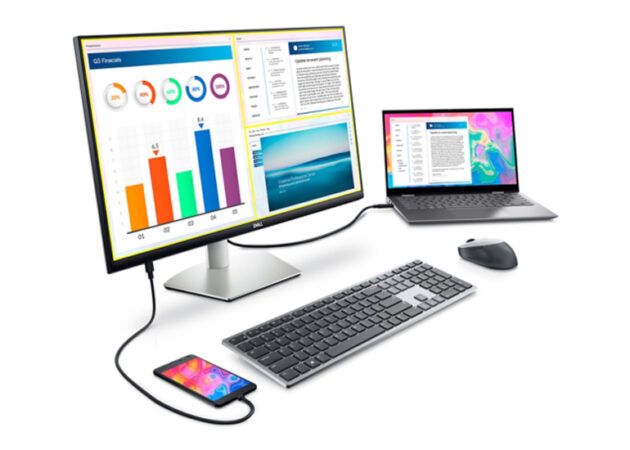
My favourite luxury pick for a 27-inch monitor is the Dell S2722DC. It has it all:
While it retails for AUD $549, it can regularly be found on sale for around AUD $350, which is an excellent buy for the feature set.
A more budget-friendly yet still very competent display is the LG 27MP400, Acer KB272 or Dell S2721HN. They all have similar specs – 1080P resolution (which is adequate for this size), HDMI inputs to connect to your computer and VESA compatibility, which means you can mount it to a wall or monitor arm. They usually sit within the AUD $200-$250 price range, but can be found on sale for less. There’s not much between them, so choosing one depends on personal preference and what deal you can get.
You may wonder why keyboards and mice even get a mention. After all, they all do the same thing, right?
Well, yes, but think about it this way – if you use your computer for most of the day, these are the tech accessories you’ll be touching the most. In fact, you may be surprised that there is a whole community of keyboard and mouse enthusiasts who are obsessed with getting the perfect feel… but I digress.
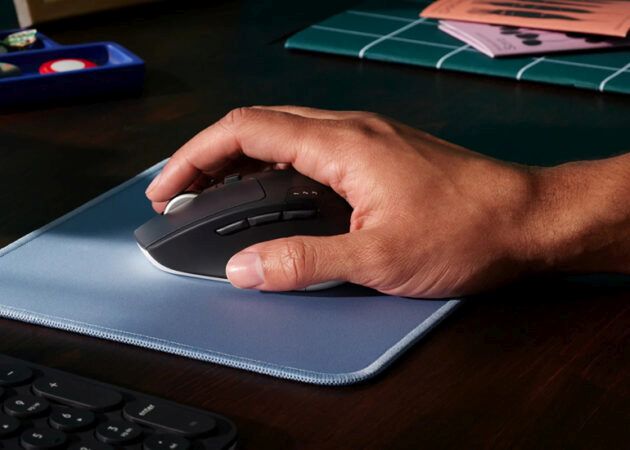
My favourite picks in this category are the Logitech K380 and M720 Triathlon. They both use Bluetooth (yay, no cables!), are comfortable and, most importantly, can connect to and switch between three devices simultaneously. This combo feels like a match made in heaven for all the productivity warriors who want to use a PC/Mac, an iPad/tablet and a phone with minimal fuss. But at around AUD $100 for both, they are on the pricier side.
At around AUD $50-$60, the Logitech MK295 or MK345 are great wireless options that use a simple USB receiver. Sure, you lose the ability to switch between devices on the fly, but they are half the price.
Choosing between them will come down to ergonomics. The MK345 is a better option for larger hands or those who prefer a bit more space.
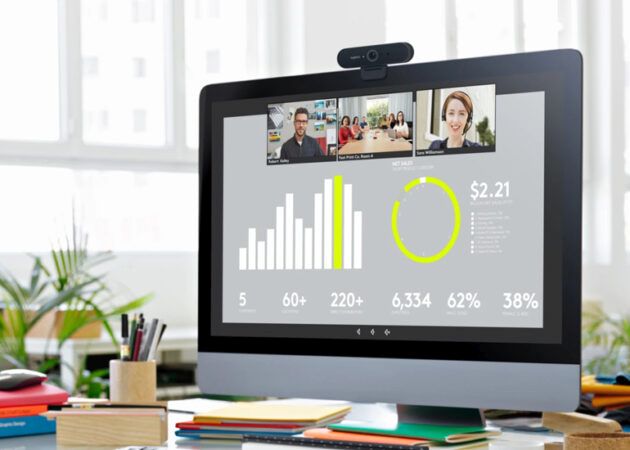
And now we come to some of the tech accessories that are often overlooked but still important:
And there you have it, some of the best and most budget-friendly tech accessories that will make your workspace a delight! This is by no means an exhaustive list, but hopefully, it will help you pick products with features that you care about.
This is an independent review. The brands featured did not provide samples or paid sponsorship.
Want more? Get our newsletter delivered straight to your inbox! Follow Kochie’s Business Builders on Facebook, Twitter, Instagram, and Li


Comments